Webhooks
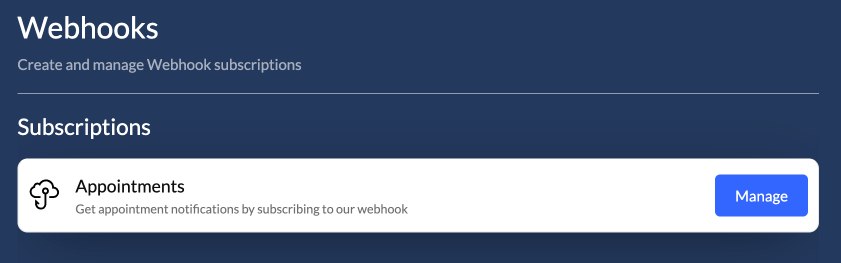
Auvious offers a Webhook API, allowing you to subscribe to and receive events seamlessly.
Authentication
We provide support for industry-standard authentication methods, as well as the option to forego authentication altogether. Regardless of the chosen method, we offer the flexibility to include an HMAC key. You can either provide your own key or allow the system to generate one for you. This key is transmitted in the request headers, enabling you to authenticate and verify each request securely.
Webhook Security and HMAC Signature Verification
Auvious secures its webhook notifications with an HMAC-SHA256 signature, created from the webhook payload and a shared secret key, and includes this signature in the x-signature header. To verify that a webhook request is authentic, customers should use the same shared secret to generate an HMAC from the received payload and compare it to the x-signature value. This process is widely supported across platforms, allowing customers to confirm the integrity and source of the webhook payload easily.
Client Credentials
Available parameters
- Access Token URL
- Client ID
- Client Secret
Basic Authentication
Available parameters
- Username
- Password
Custom headers
The webhook configuration offers enhanced flexibility through the use of custom headers, notification headers, and metadata fields, meeting diverse integration requirements.
Custom Headers
Configured at the subscription level, these headers support both static (DEFAULT) and sensitive (SECRET) types. SECRET types are obfuscated and masked to enhance security, allowing for custom authentication while minimizing the risk of exposing sensitive data. These can be configured in auvious settings.
Notification Headers
Defined within appointment requests, these headers are forwarded in webhook notification headers to support dynamic customization, such as identifying the originating channel or context for each notification. These can be configured on the widget side, using the setAppointmentNotificationHeaders(headers:{ [key: string]: string} ) method. You can also enable this option in appointment settings in auvious and once enabled, the agent will be able to set notification headers while creating an appointment.
Metadata
Custom metadata can be added to appointment requests and is forwarded within the notification payload, providing a way to transmit dynamic, appointment-specific information—such as customer or CRM details—enabling richer data integration and contextual tracking. You can enable this option in appointment settings in auvious and once enabled, the agent will be able to set metadata while creating an appointment. From the widget side, you can use the method setCustomerMetadata(map:{[key: string]: string}) to set the metadata.
Security Recommendation
Passing sensitive information in webhook headers is generally discouraged, as webhooks can be intercepted if not properly secured, increasing the risk of unauthorized access. Auvious always sends webhooks with an HMAC signature derived from the webhook notification payload field and includes this signature in the x-signature header. At a minimum, it is recommended that HMAC verification is implemented on the receiving end to validate the x-signature and ensure the origin and integrity of the webhook. This approach reduces the likelihood of tampering or interception, enhancing overall security.
Appointments
Once you've configured the Webhooks, you can activate the Webhook channel within the Call Scheduling/Notification channels. Additionally, in the Notification messages tab, you can specify which message tags will be transmitted for each appointment state change event. For a more detailed description on how Webhooks for appointments work, please visit the Webhook Notification Channel section.